
How to Search Cases by Name
The Kansas District Court Public Access Portal is the main remote route to a Montgomery County court docket. Pick District first. Then select Party Name and set Montgomery County before you read any matches. Enter names in the order the live form expects. That order is last name, then first name. Use date of birth, case type, or filing dates to separate people who share a common name. One caution. A match alone proves neither identity nor a case result.
- Open Kansas CaseSearch.
- Choose District and Party Name.
- Enter the supported name format.
- Set Montgomery County and filters.
- Compare the case ID, location, and events.
The portal treats a Business Name and a Party As Business Name search as two different choices. Citation Number is offered too. Every search needs at least four characters, acceptance of the portal terms, and completion of the access check.
| Field | Type | Use |
|---|---|---|
| Court | Dropdown | Select District |
| Search Type | Dropdown | Name, business, number, citation |
| Search Term | Text | At least four characters |
| County | Dropdown | Choose Montgomery |
Montgomery CaseSearch Field Walkthrough
The current public shell lets guests view basic case details. ID.me is a separate route for approved expanded access. An official 2025 guide shows a somewhat different layout. The controls on the live screen govern. Advanced filters can include case type, birth date, filing dates, and court level.
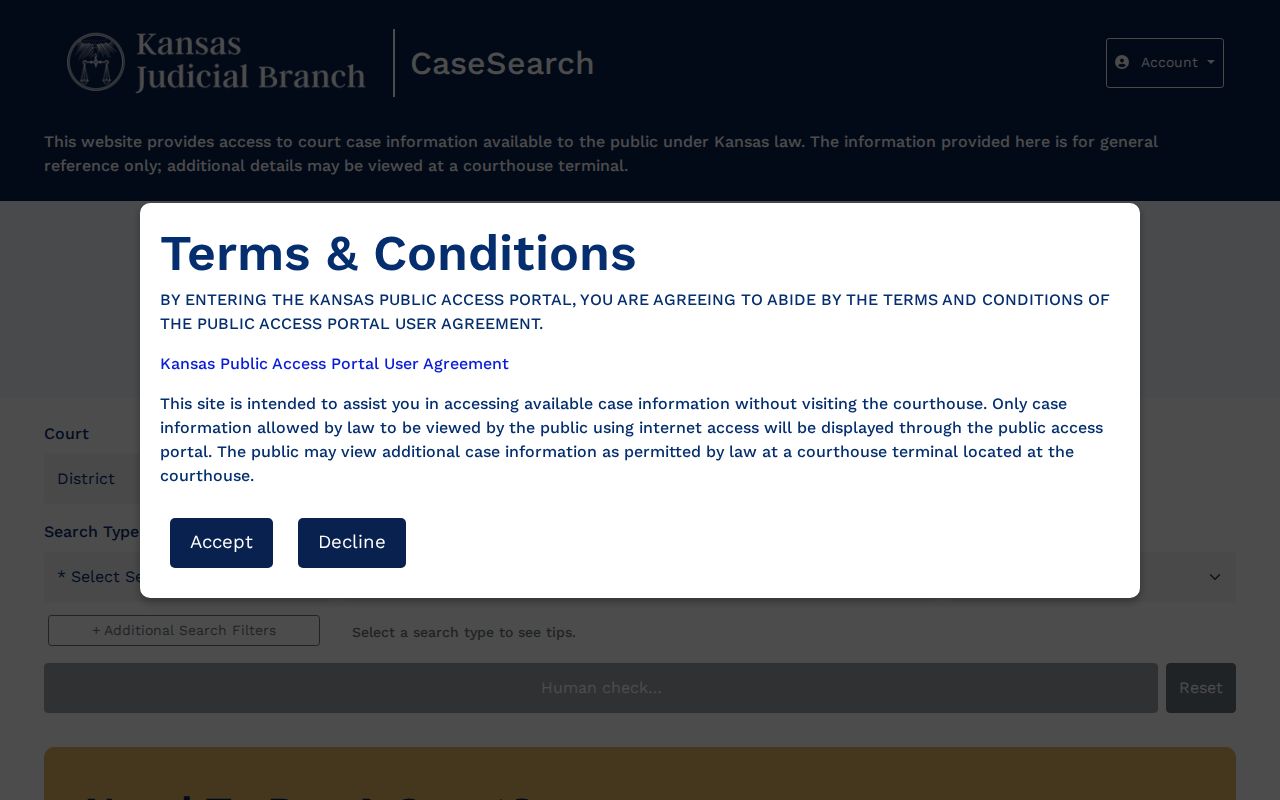
The portal is statewide. A broad case lookup may pull in courts across Kansas. Set Montgomery County first. Then compare the location and the number on each row. Turnstile, Terms, Search, and Reset are interface controls, not docket events. See the current CaseSearch application for the official layout.
How to Search by Case Number
A case number is usually the fastest route into a Montgomery County court docket. CaseSearch accepts formats like 2024-CR-000123. Local records also show MGI 2025 CR 258, MGI25DM132, and MGC-2025-TR-000540. In those samples, MGI points to Independence and MGC to Coffeyville. The letters after them show the case type. CR marks a criminal docket, DM domestic, and TR traffic.
Punctuation can differ between a PDF and the portal. If an exact copy fails, strip the separators or run a party name search. Then verify the full number. Keep in mind that a prefix identifies the filing location, never the outcome.
When Montgomery Search Finds Nothing
An empty result does not mean no case exists. The spelling may differ. The matter may be municipal. An older image may not be online, or Kansas rules may restrict access. Try another supported format and confirm you have the right county. When the screen stays blank, call the District Court Clerk for routing. Independence can be reached at 620-330-1070. Coffeyville is at 620-251-1060. Staff may confirm a recent filing or a next hearing in an unsealed case, but record-search requests must be written. Public terminals sit at both clerk offices. The local request form, mail, and fax are the documented channels.
Check the court. City ordinance cases remain with municipal court, not the district portal.
What a Case Search Shows
A Montgomery County case lookup can return the case number, type, party names, attorneys, assigned judge, and filing date. Status and hearings appear too. An events index also shows up. Kansas Rule 21 calls that chronological list an events index or register of actions. One warning. A line naming a motion is not the motion document itself.
| Case number | Court, year, type, and sequence information |
|---|---|
| Parties | Public caption and roles |
| Case type | Criminal, civil, domestic, traffic, or probate |
| Events | Filed items, settings, orders, and disposition entries |
| Documents | Public images when available and unrestricted |
A calendar event may show only its title, time, and place. A document image is still not a certified copy, so ask the clerk for authentication when proof matters.
Three Montgomery Record Layers
A result row confirms a likely match. The events index shows its recorded sequence. When electronic access is allowed, a filed image holds the actual text of a public complaint, motion, or order. Treating a short docket label as the whole filing invites error.
| Layer | Best use | Limit |
|---|---|---|
| Result | Match case and court | Thin detail |
| Events index | Follow sequence | Labels are not documents |
| Filed image | Read a filing | May not be remote |
Compare a critical setting with Montgomery County Court Dates and the filed notice.
County vs Statewide Case Search
Montgomery County has no separate county-only database. Kansas CaseSearch is statewide. The 14th Judicial District calendar is a local schedule tool, and courthouse terminals serve as the local fallback for public content that is not online.
| CaseSearch | Local calendar | Clerk terminal |
|---|---|---|
| Statewide case search | Local hearing events | In-person public files |
| Name, number, business, citation | Date, word, and category filters | Copies and requests |
Kansas eFlex handles filing cases and documents. It is not a public docket search.
Montgomery Clerk Search Fallbacks
The district clerk operates in Independence and Coffeyville. Bring the case number, the location, and the exact document name. Note that the Montgomery County Clerk is a separate county-government office.
Independence District Clerk
300 E Main Street, Suite 201, Independence, KS 67301
620-330-1070
Weekdays, 8 to noon and 1 to 4.
Coffeyville District Clerk
102 W 7th Street, Suite A, Coffeyville, KS 67337
620-251-1060
Weekdays, 8 to noon and 1 to 4.
Mail routes to Independence. Fax is 620-331-6120. The clerk publishes no dedicated records email or drop box.
Restricted Cases and Access Rules
Kansas Supreme Court Rule 22 limits public access to certain cases and documents. Some case types may be hidden or restricted. These include juvenile, adoption, child-in-need-of-care, and many domestic and protection matters. Expunged cases and sealed records are also restricted. Rule 23 governs sealing, and Rule 24 makes filers responsible for redaction.
Public cases can also lack remote images. That happens when their documents predate eCourt availability. A terminal may show public material not online, but it cannot open sealed content. Kansas Open Records Act procedures do not override court restrictions.
Verify a Montgomery Case Match
Compare the name against the full case ID. Match the type, location, and filing date. Weigh the role and latest event. Check any urgent hearing against the calendar, the filed notice, the attorney, or the clerk. Local docket PDFs can be drafts, and they warn that late changes may not appear.
Use CaseSearch to locate the matter and the originating court to confirm it. When a result screen is not enough, request the actual filing or a certified copy. Clerk staff can explain access and routing. They cannot interpret the record or give legal advice.
Note: A Montgomery County case lookup is a finding tool. The court file remains the authoritative record.
Montgomery Case Search Formats
Case Number is the tightest search. It works in the Montgomery County court docket portal. Type the full case ID and you land on that one matter. Party Name casts a wider net, matching any person named in a public party field. Businesses get two routes of their own, Business Name for an entity, and Party As Business Name for the portal's separate business-party option. For a district traffic ticket where you already hold the citation, Citation Number is the fastest of the Montgomery County docket search formats.
| Search type | Best starting fact | Montgomery check |
|---|---|---|
| Case Number | Full official ID | Compare MGI or MGC |
| Party Name | Last and first name | Use type and filing dates |
| Business Name | Legal entity name | Compare the civil caption |
| Party As Business | Business in a party role | Read the displayed role |
| Citation Number | District citation ID | Do not mix with a city ticket |
Pick the narrowest term you trust. A name can drag in strangers who share it. The full Montgomery County case number paired with location, role, filing date, and case type gives a far stronger match.
Montgomery CaseSearch Access Changed
Kansas finished its statewide eCourt rollout after the Fourteenth Judicial District joined the electronic system. Then a statewide cybersecurity incident froze electronic access in October 2024. The judiciary reported restoration and rollout milestones in November 2024. That history matters. Saved links, old instructions, and screenshots may not resemble the portal you meet today.
The live 2026 shell keeps basic details guest-facing. A separate ID.me route covers approved access. A September 2025 Smart Search guide walks through registration and a broader layout. Trust the public address and the controls it now shows. An old guide cannot unlock a record the live portal restricts.
History also shapes depth. A case may show a current events index. An older filing image can be missing remotely even when the index is current. The courthouse terminal remains one fallback. A written clerk request is the other. Together they give full Montgomery County case lookup depth.
Route a Montgomery Case Search
Pick the right court first. In Montgomery County, Kansas District Court cases run through CaseSearch and the district clerk. Municipal traffic tickets and city ordinance matters stay with the municipal court. That is the court that wrote the citation. Federal cases belong to the United States District Court for the District of Kansas. You reach it through PACER. Appeals go through the Kansas appellate layer.
| Case source | Keeper | Search route |
|---|---|---|
| State criminal or district civil | Montgomery District Court Clerk | Kansas CaseSearch |
| City ordinance or traffic | Municipal court clerk | Official city service |
| Federal case | Federal Clerk of Court | PACER |
| Kansas appeal | Appellate clerk | Appellate public access |
The Court selector splits District from Appellate. Local trial cases put Montgomery County on the District path. Remember one limit. A county filter cannot pull a municipal or federal docket into the state district database. Your case search may come back empty. Check the notice, citation, or case ID to confirm which court issued it. Then search again.